Circuit Lab
An electronics bench that can't run out of parts, or let the smoke out.
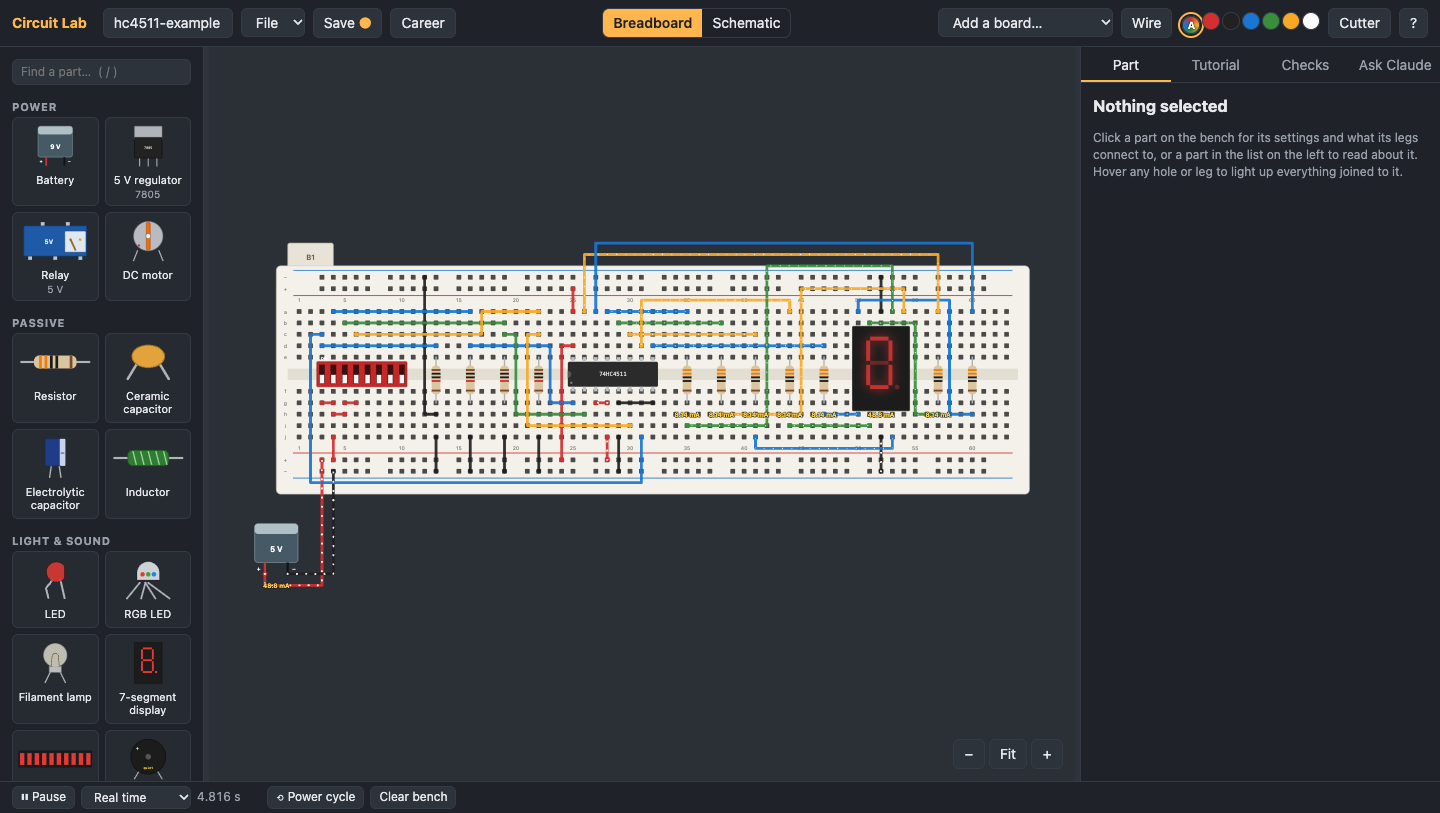
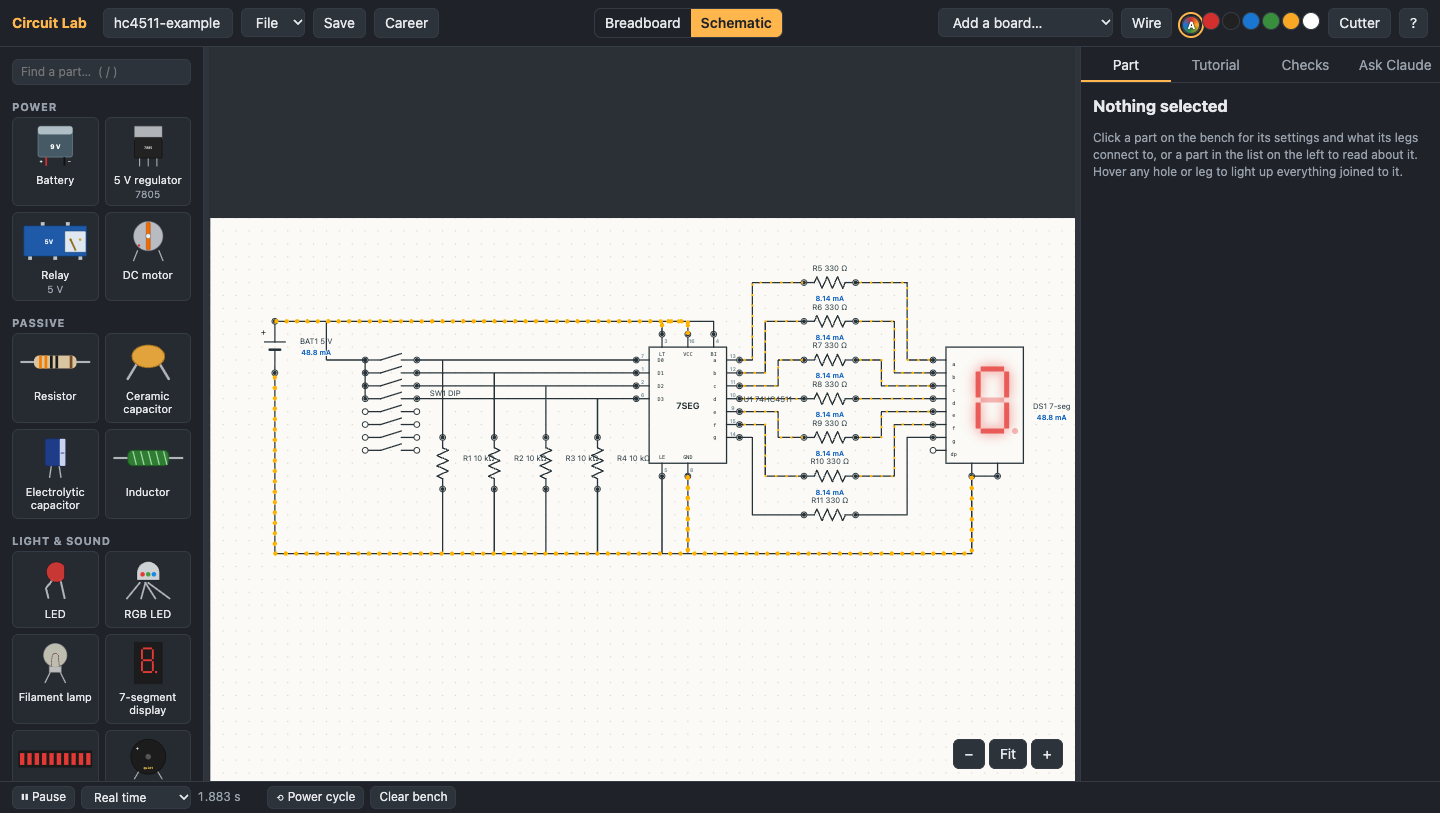
Put parts on a breadboard, wire them up, and the circuit runs as you build it. Current shows as moving dots, every part tells you its volts and amps, and a resistor that would cook says so before you buy one. Draw the same circuit as a schematic and the app will lay it out on the board for you.
In this build
- Nearly fifty parts. Resistors, capacitors, LEDs, transistors, a 555, op-amps, relays, motors, 7-segment displays, and a shelf of 74-series logic chips.
- Real microcontrollers. Write Arduino code for an ATtiny85 or ATmega328P, and it is compiled and run inside the app. No toolchain to install.
- Instruments. A multimeter, an oscilloscope, a signal generator and a logic analyser.
- Tutorials that check your work. More than fifty, from lighting one LED to building an 8-bit computer.
- Breadboard, stripboard and perfboard. With a track cutter, and a button that places the parts for you.
- It tells you what's wrong. A leg left hanging, an LED with no resistor, a knob wired so it does nothing.
Download
Early build, 0.1.0, 13 Nov 2026
For Macs with Apple silicon. Signed and notarized by Apple. An iPad version is on the way.
The Ask Claude tab needs Claude Code installed; everything else works without it.
The app carries GCC and binutils to compile your code. They are free software under the GPL, and their source is listed inside the app's files.